Digital Hospitality
IP Communication Solution











 01
01 02
02 03
03 04
04 05
05 06
06
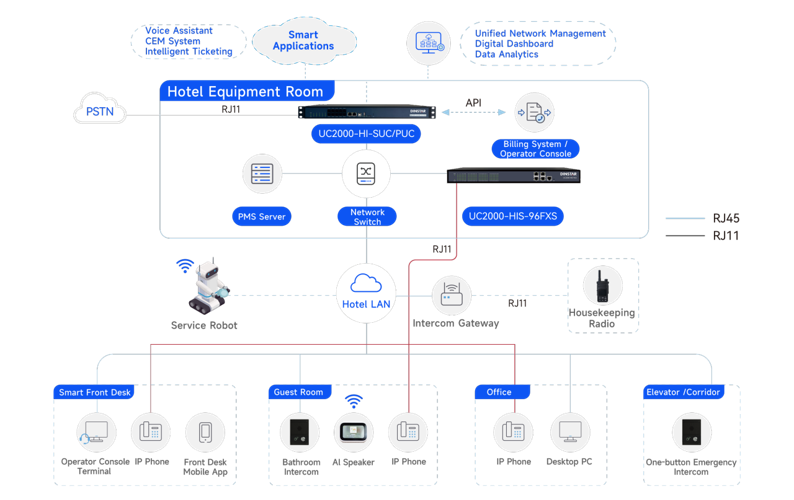
Telephony System Deployment
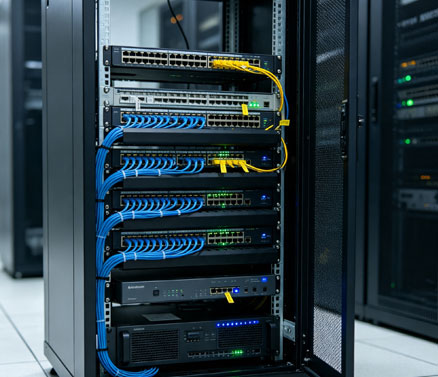
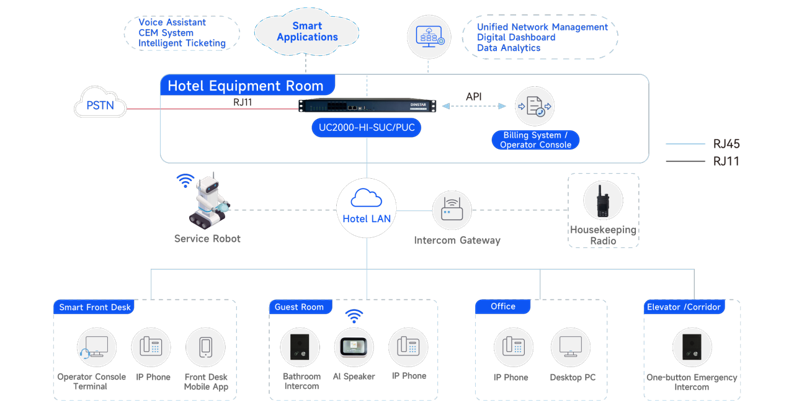
Deploy the DINSTAR UC2000-HI Series IPPBX connected to the hotel network,with optional dual-system hot
standby redundancy.
Deploy the DINSTAR UC2000-HIS Series FXS Voice Gateway connected to the hotel network and integrated with the IPPBX via SIP protocol.
Telephony System Deployment

Reuse existing analog phones connected to the built-in FXS extension interfaces of the IPPBX.
Install the DINSTAR DinLink App on dedicated front-desk smartphones and register them to the IPPBX,en- abling mobile front-desk services.
The IPPBX provides an operator console for efficient call management.
Telephony System Deployment
Deploy analog phones connected through telephone lines extended from the FXS voice gateway and regis- tered as IPPBX extensions.
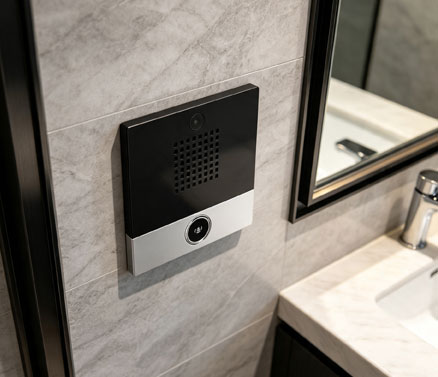
InstallDINSTAR SIP emergency intercom terminals in bathroom walls and register them as SIP extensions of the IPPBX.
Telephony System Deployment
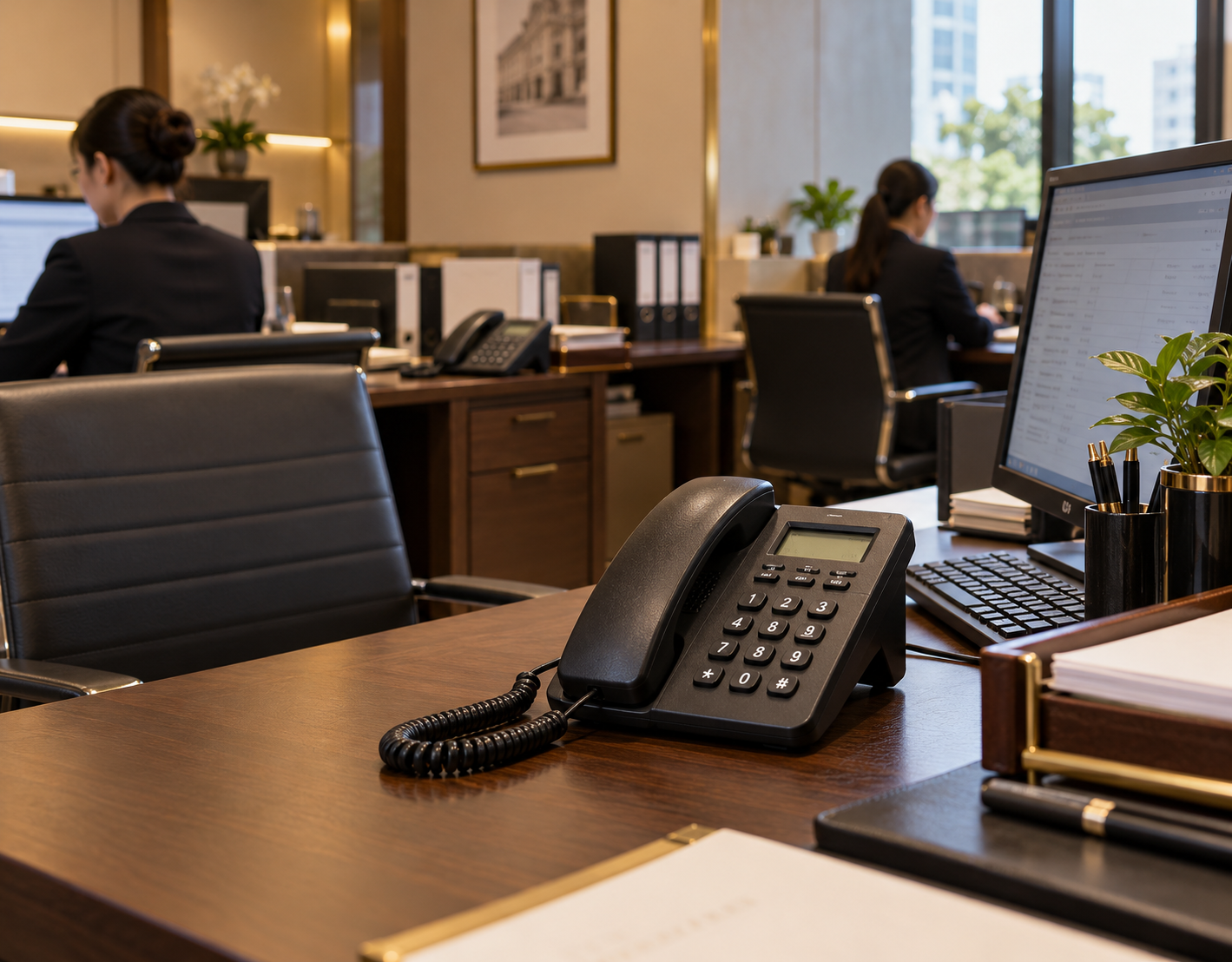
Deploy desktop analog phones connected through telephone lines extended from the FXS voice gateway and registered as IPPBX extensions.
Telephony System Deployment
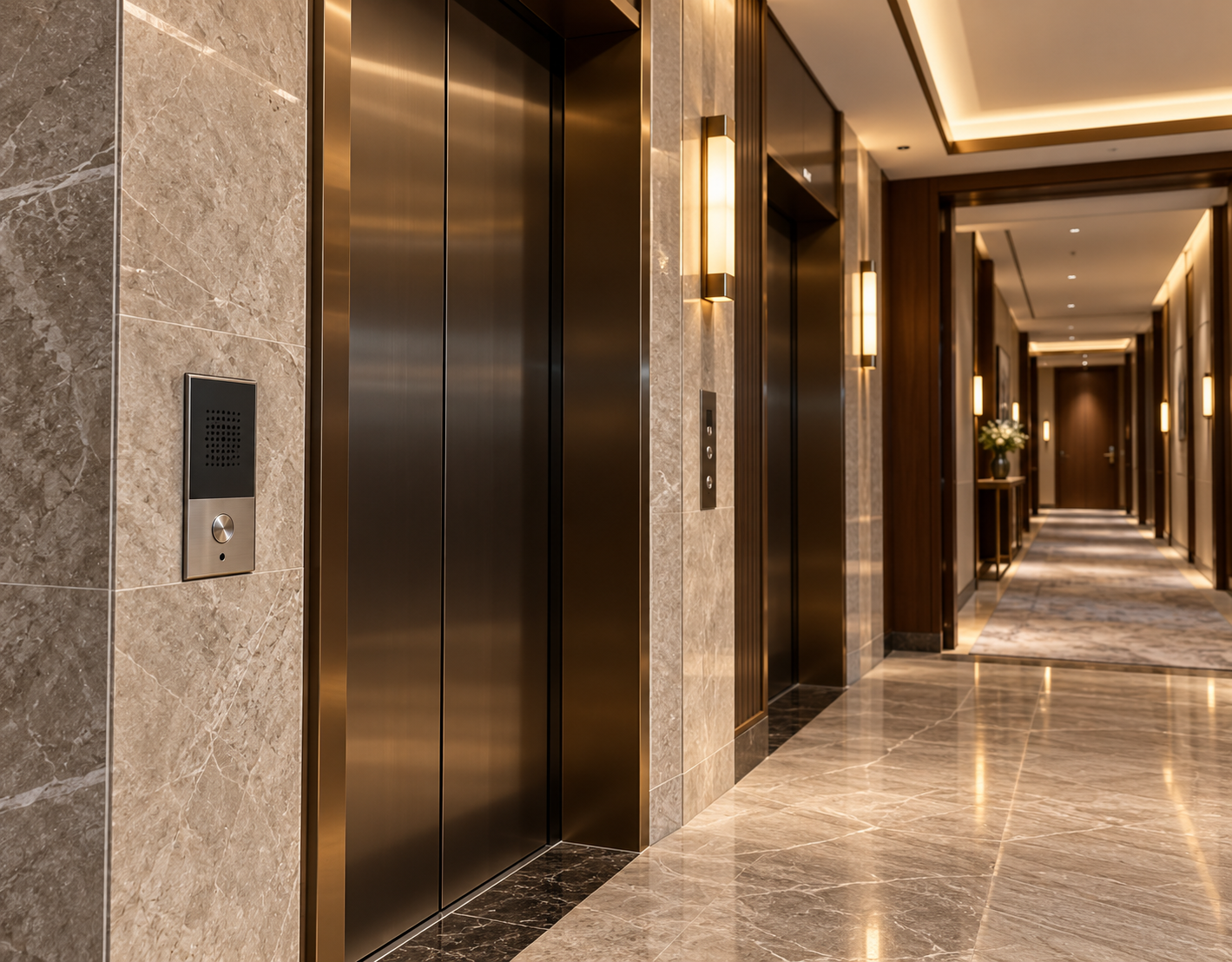
InstallDINSTAR emergency intercom terminals embedded in walls and register them as SIP extensions of the IPPBX.
Telephony System Deployment
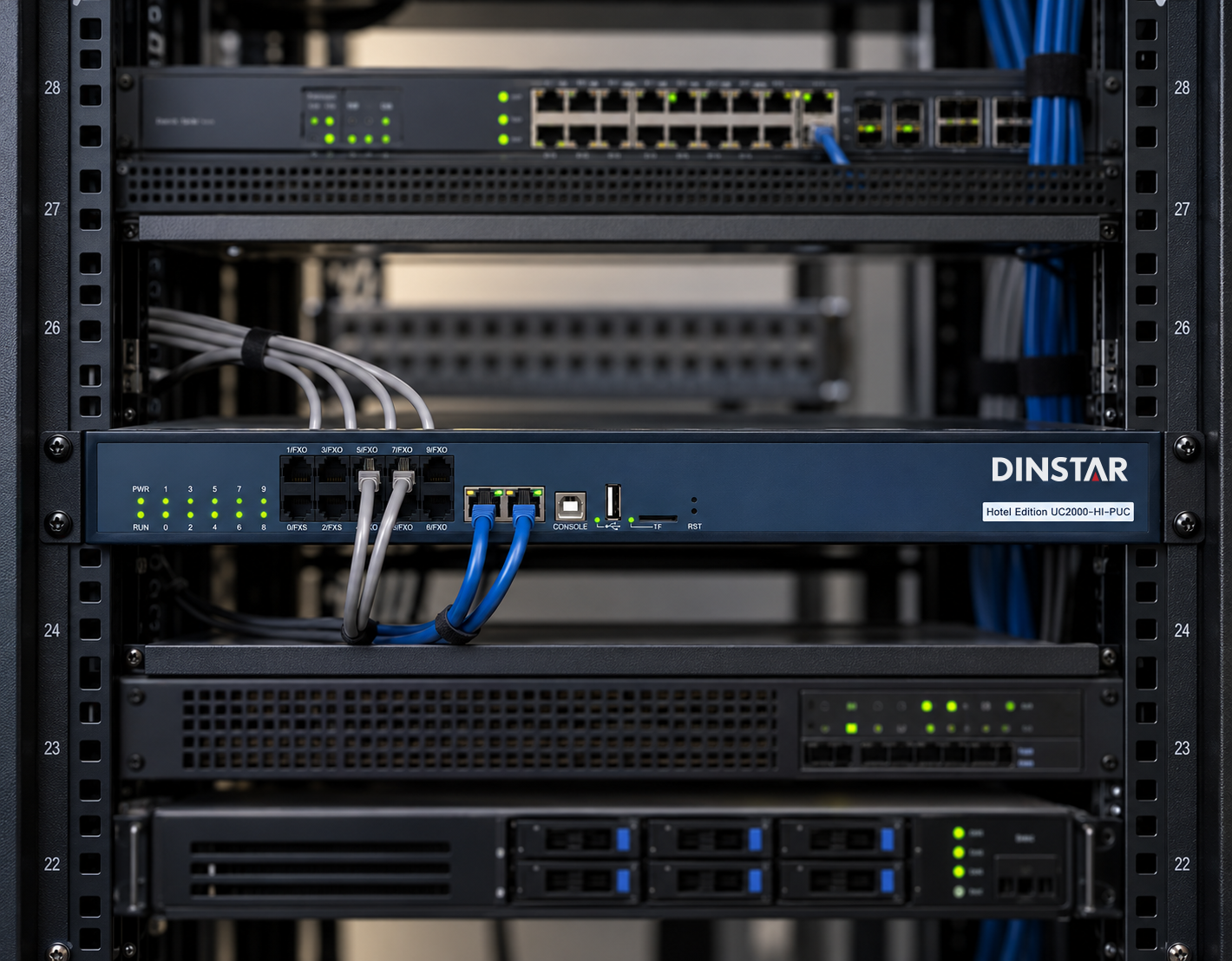
The UC2000-HI Series Hotel IPPBX includes 2-8 built-in FXO ports for PSTN trunk connectivity.
Telephony System Deployment
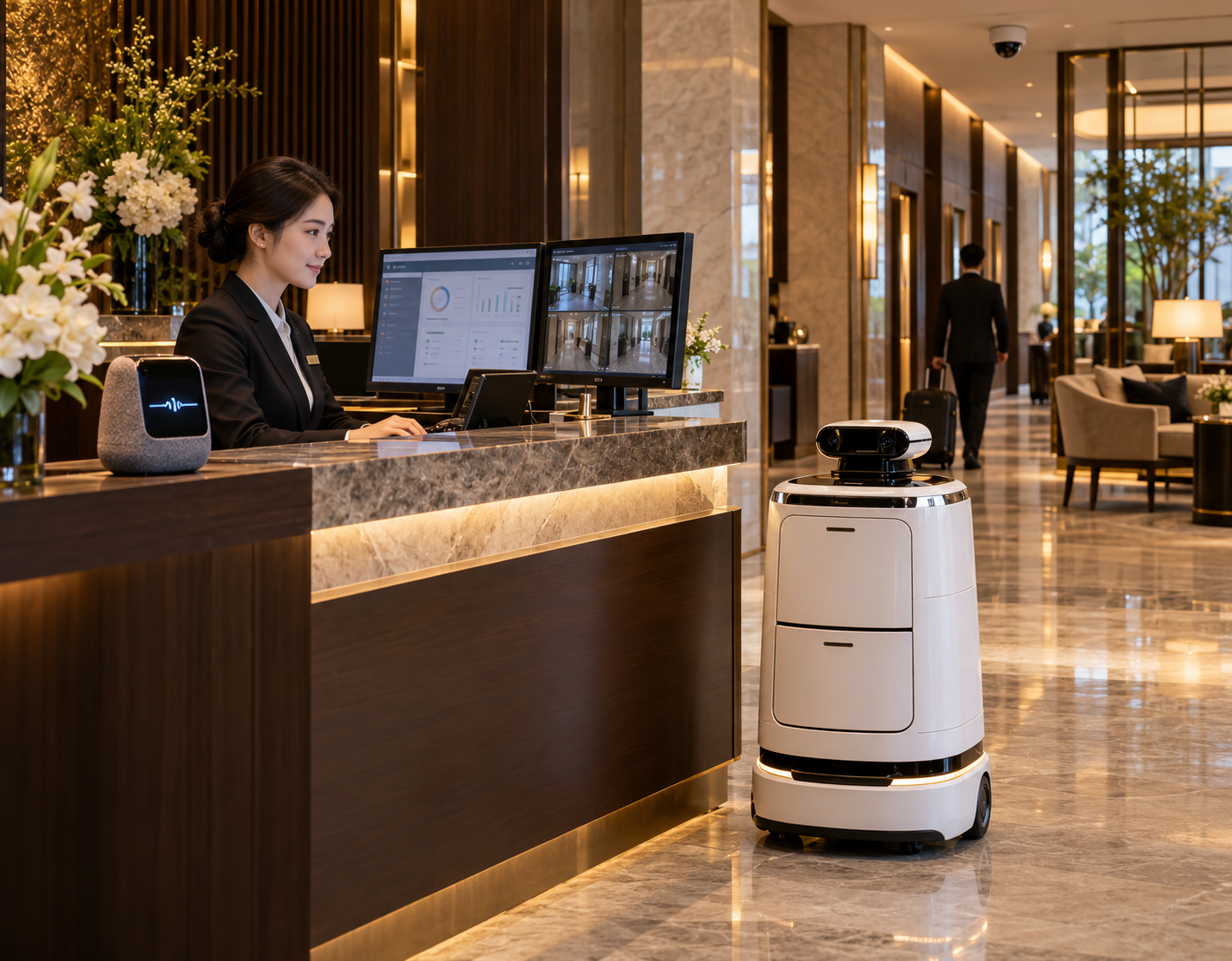
Supports integration with Al voice assistants,delivery robots,CEM platforms,and security monitoring systems, and security monitoring platforms.
Telephony System Deployment
Deploy the DINSTAR UC2000-HI Series IPPBX connected to the hotel network, with optional dual-system hot standby deployment.
Telephony System Deployment
Deploy an IP or Wi-Fi phone for use at the front desk.
Install the DINSTAR DinLink App on dedicated front-desk smartphones and register them to the IPPBX for mobile operations.
The IPPBX provides a visual operator console for efficient call handling.
Telephony System Deployment
Deploy IP phones or Wi-Fi phones with PoE power supply,automatic provisioning,and plug-and-play capabili- ty as IPPBX extensions.
Install DINSTAR one-touch intercom terminals in bathroom walls and register them as SIP extensions of the IPPBX.
Telephony System Deployment
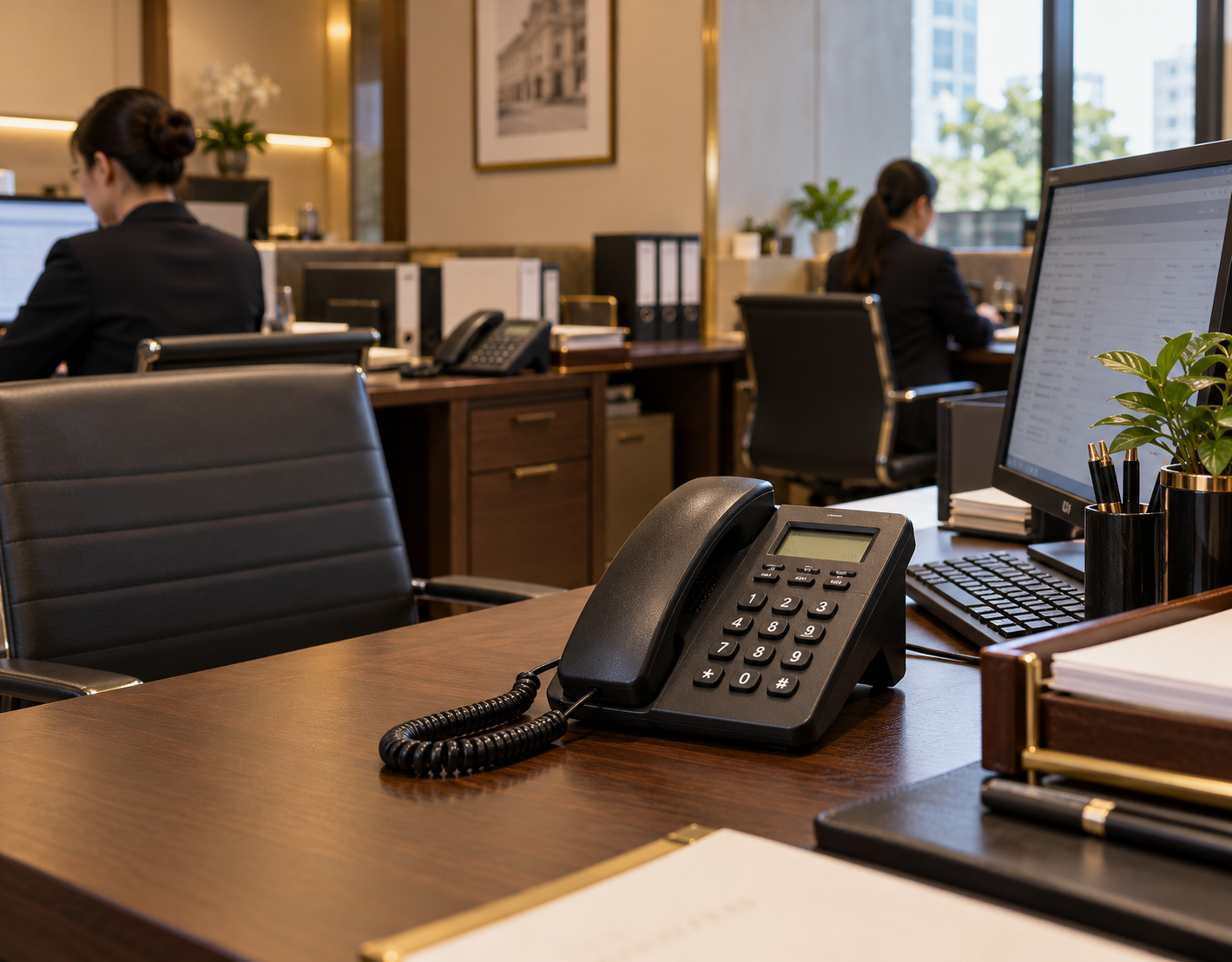
Deploy desktop IP phones or Wi-Fi phones with PoE power supply and register them as IPPBX extensions.
Telephony System Deployment
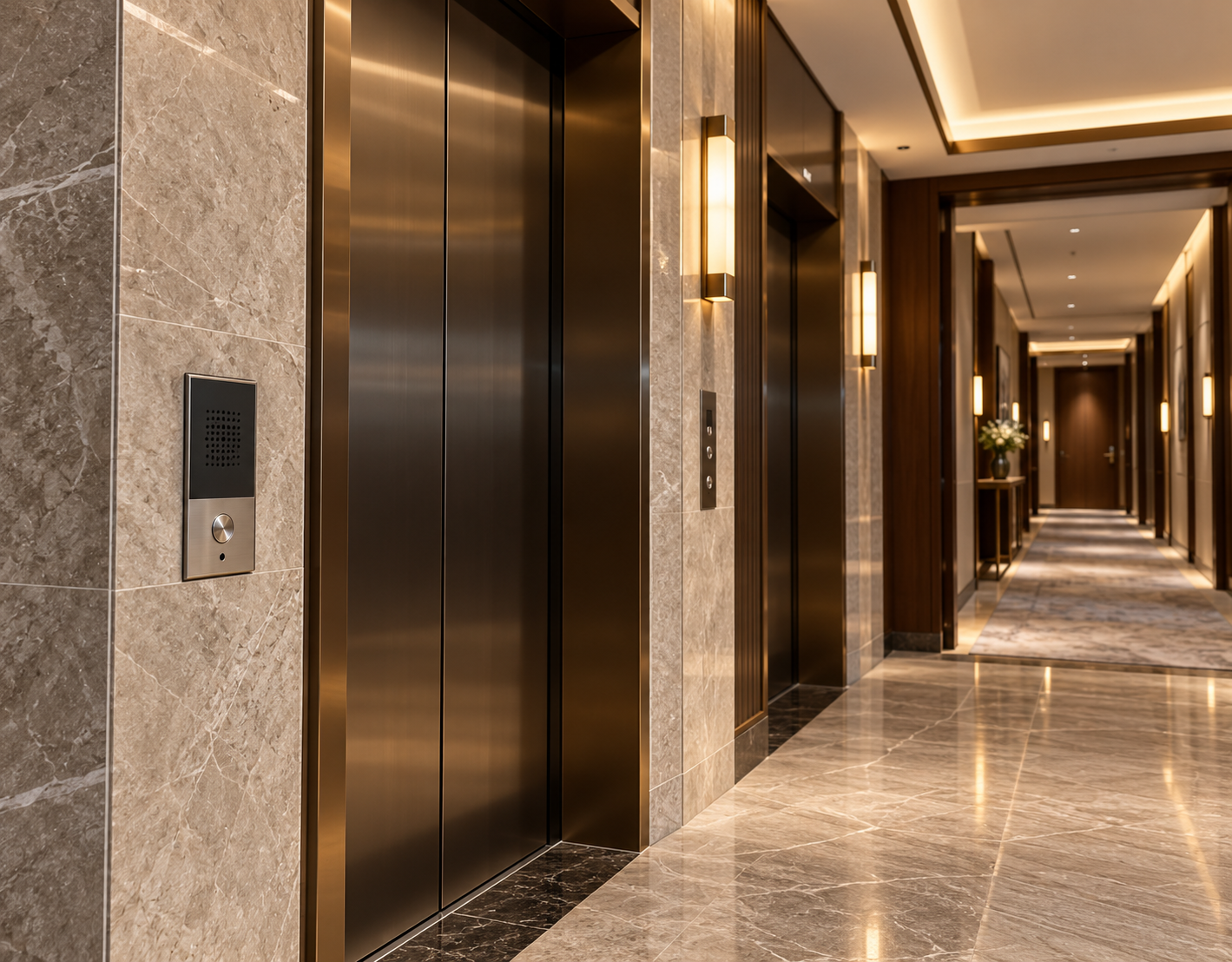
Install DINSTAR emergency intercom terminals embedded in walls and register them as SIP extensions of the IPPBX.
Telephony System Deployment
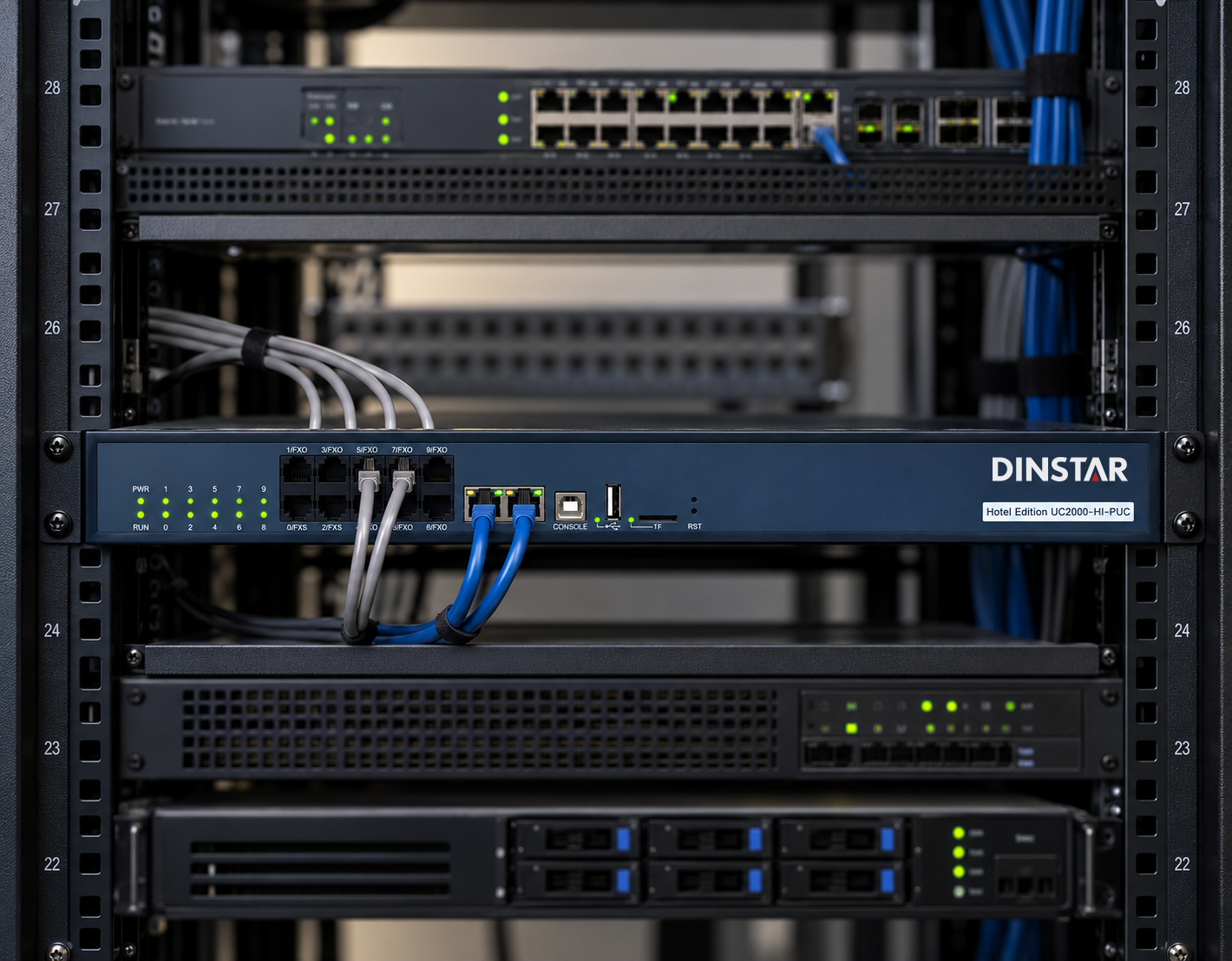
The UC2000-HI Series Hotel IPPBX includes 2-8 built-in FXO ports for PSTN trunk connectivity.
Telephony System Deployment
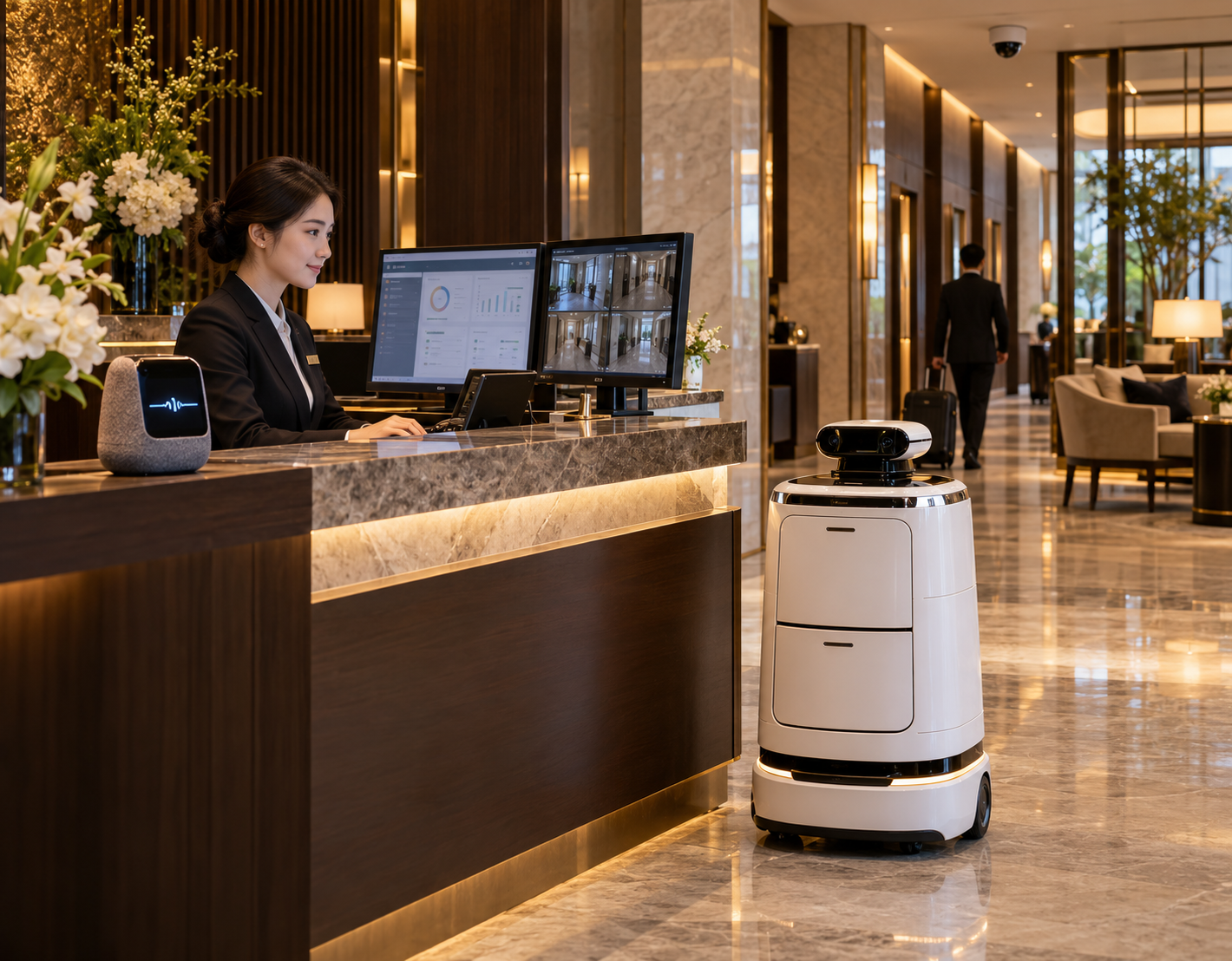
Supports integration with Al voice assistants,delivery robots,Al voice services,CEM systems,and security monitoring platforms.